

Connect with Users and Empower Conversations
A WhatsApp chat plugin is a tool that allows you to integrate WhatsApp messaging capabilities into your website or application. It provides a convenient way for users to initiate chats with your business or support team through WhatsApp.



General FAQ's
Here's what you are looking For
Save your time
Getting started with Chit WhatsApp Chat WordPress Plugin
Enhanced User Engagement
Chit - WhatsApp Chat Plugin
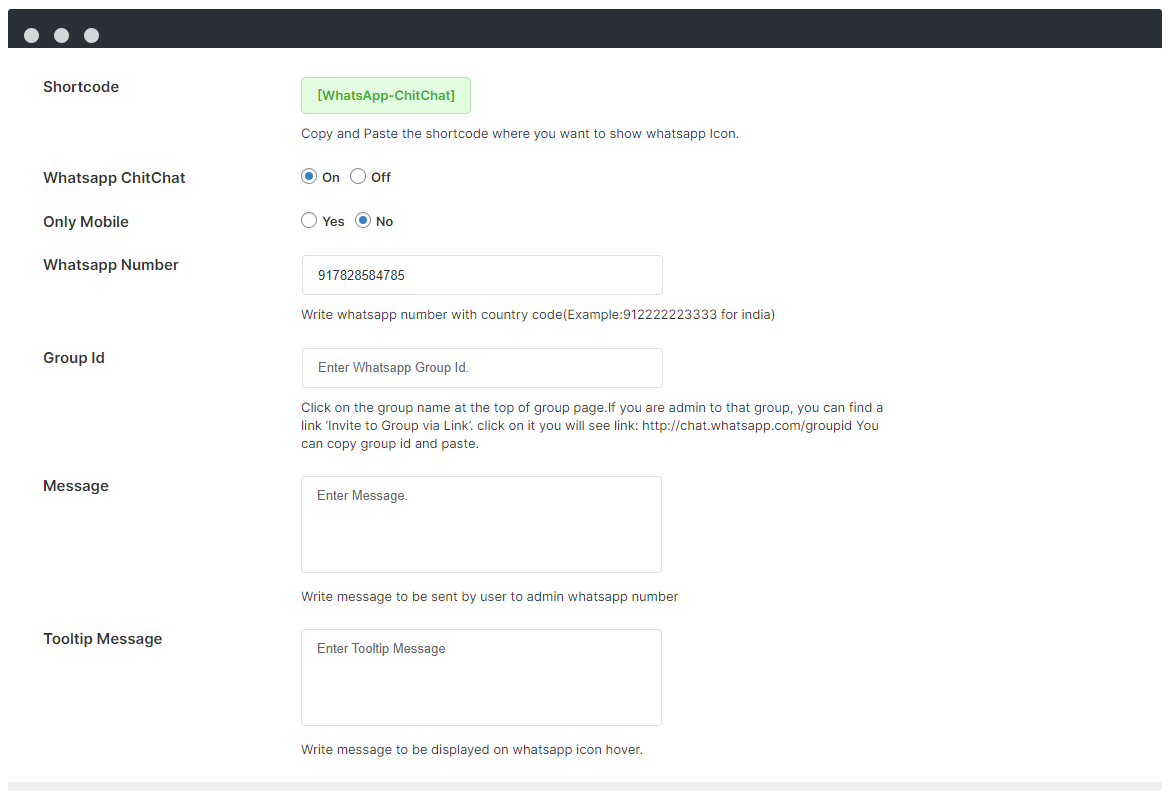
WhatsApp Chitchat is a WordPress plugin which gives accessibility to your visitors and customers for instant WhatsApp chat support on your website, the visitors on your website will be able to ping you their Queries and converse with you regarding their issues with the help of this plugin.
Quick Communication
Initiate chats with your business in just a click
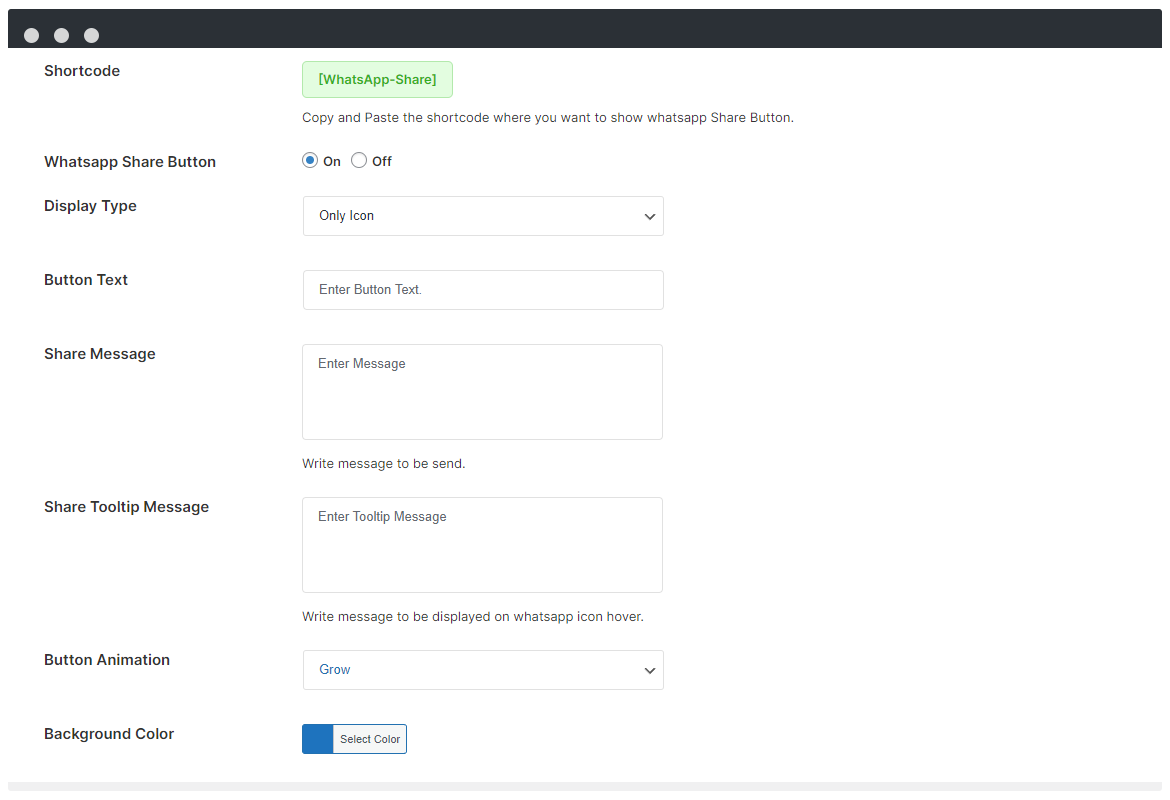
WhatsApp Chitchat is a very easy to use and efficient plugin to provide support and keep contact with your valuable customers and website visitors. The Plugin will redirect the users to the WhatsApp Login Page for super fast chatting. Also, on the Mobile devices this plugin provides direct post and pages content sharing option, so your visitors can share the products they love to their friends on WhatsApp. With the simple Short-Code provided you can place the button in your blog posts too.
Dialog Settings
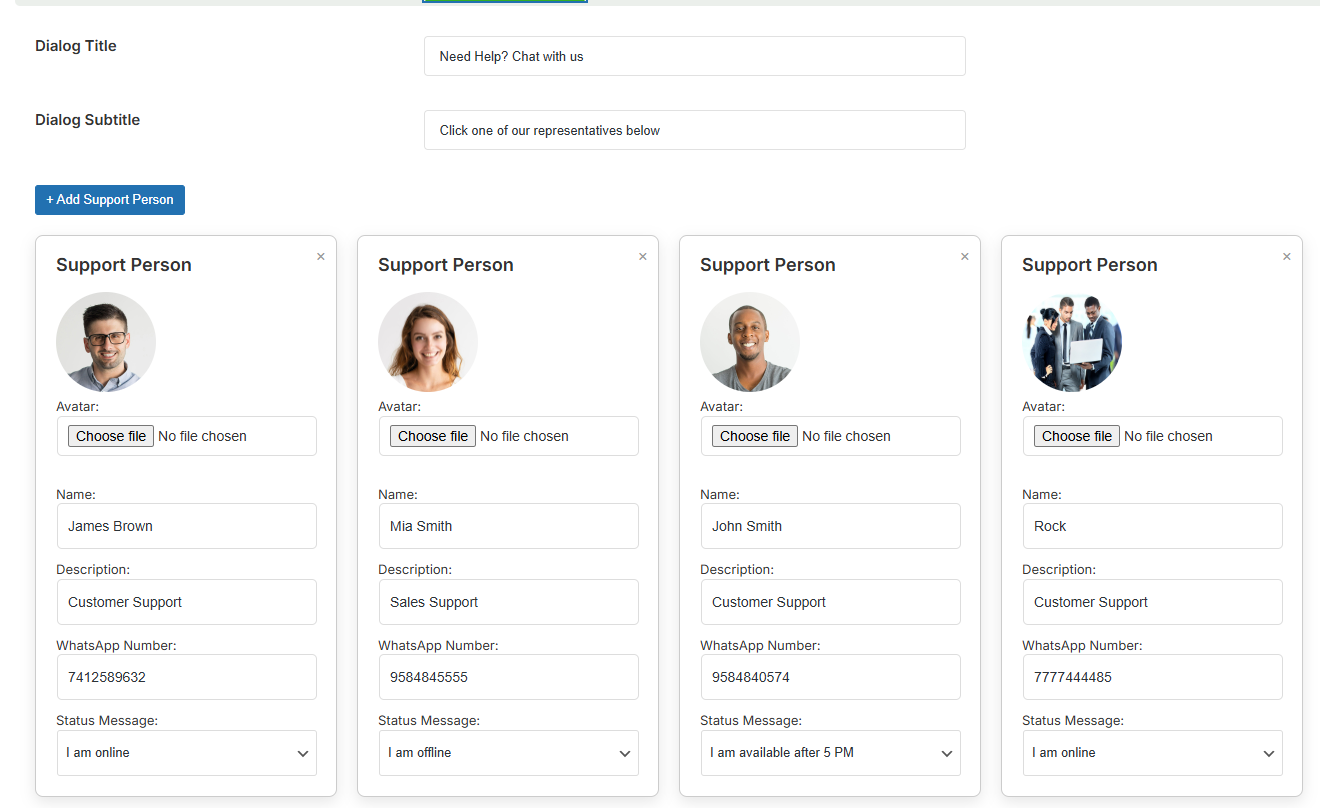
Full Control Over Your Chat Dialog Experience
Customize every aspect of your WhatsApp chat interface with the powerful Dialog Settings. You can show or hide support agent images, change the chat theme, control auto-open behavior, and set visibility for desktop or mobile. These settings help you match your brand style and improve user interaction seamlessly. Whether you want a clean, minimal layout or a branded, friendly interface — it's just a few clicks away.
Core Features
Get More Bundle of Plugin Features

Widgets

Animation

Documentation

Chatting

Cross Browser

Shortcode

Modern Design

Free Lifetime Update

Fast & Friendly Support

Color Options

Clean Code

